Interlaced vs Progressive Scan
How interlaced CCD readout works, which Mavica models use it, and the visual artifacts it produces compared to progressive-scan sensors.
What is interlaced readout?
An interlaced CCD reads image data in two separate passes — first the odd-numbered rows, then the even-numbered rows. The camera's processor then weaves (interlaces) these two "fields" together to form a complete frame. This technique originated in analogue television (NTSC/PAL) and carried over into early digital cameras.
Progressive scan
Progressive-scan CCDs read every row in a single pass, top to bottom. This produces a cleaner image with no inter-field timing difference, but requires faster readout electronics.
Why Mavica used interlaced sensors
In 1997–1998, progressive-scan CCDs were significantly more expensive. Sony used interlaced sensors in the budget VGA-class models to keep costs down while delivering 640 × 480 output.
Which Mavica models are interlaced?
| Model | Year | Resolution | Interlaced? |
|---|---|---|---|
| FD5 | 1997 | 640 × 480 | Yes |
| FD7 | 1997 | 640 × 480 | Yes |
| FD51 | 1998 | 640 × 480 | Yes |
| FD71 | 1998 | 640 × 480 | No |
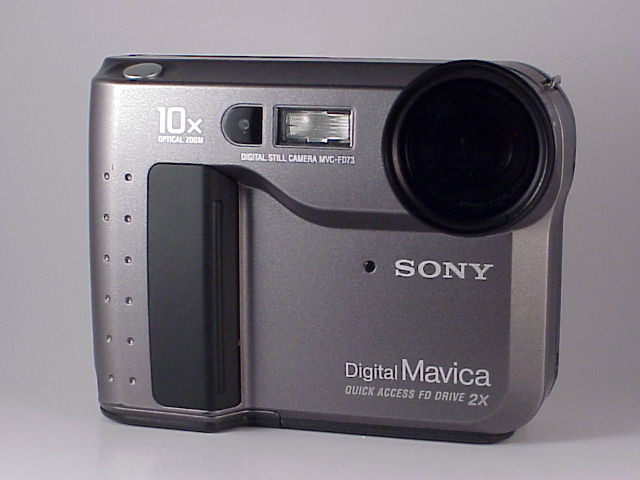
| FD73 | 1999 | 640 × 480 | No |
| FD75 | 2001 | 640 × 480 | No |
All models from the FD81 onward — and the entire CD series — use progressive-scan CCDs.
Visual artifacts of interlaced readout
Combing
When a subject moves between the two field captures, the odd and even rows show slightly different positions. This creates a horizontal "comb teeth" effect along the edges of moving objects. On a 640 × 480 Mavica image the effect is subtle but visible at 100% zoom.
Reduced vertical sharpness
Because the two fields are captured at slightly different times, fine horizontal detail can appear softer than on a progressive-scan sensor of equivalent resolution. Static scenes are less affected.
Moiré patterns
Interlaced readout can amplify moiré on subjects with fine horizontal striping — fabrics, blinds, and fences are common triggers.
Creative use
Some lo-fi photographers deliberately shoot fast-moving subjects on the FD5 or FD7 to exploit the combing artifact, creating a ghostly motion-blur effect that is unique to interlaced CCD cameras and impossible to replicate authentically in software.
Practical advice
- For the sharpest results on an interlaced Mavica, keep the camera and subject as still as possible.
- Interlaced artifacts are most visible in prints or crops; at web resolution (social media) they are rarely noticeable.
- If you own both an FD7 (interlaced) and an FD71 (progressive), compare the same scene to see the difference firsthand.
Related Knowledge
Lo-Fi Aesthetic
The intentional embrace of technical imperfection — low resolution, heavy compression, and CCD character — as an artistic choice.
TechniquesSensor Sizes Explained
A guide to the fractional-inch sensor size notation (1/4", 1/3", 1/2.7", 1/1.8") used across the Mavica lineup and how it affects image quality.
Camera TechnologyCCD Sensors
The charge-coupled device (CCD) image sensor that defined the Mavica era — how it captures light and why it produces a distinct look.
Camera Technology