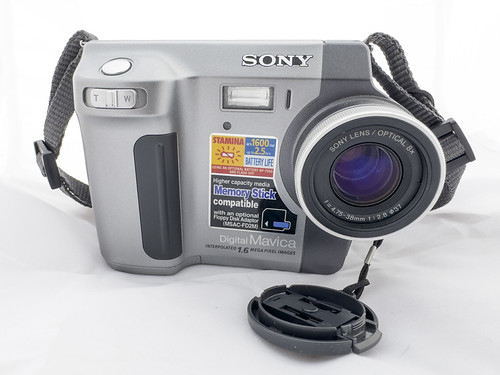
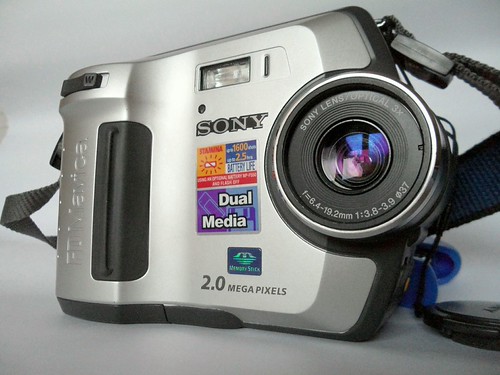
Floppy Drive Maintenance
Preventive maintenance and troubleshooting for the internal floppy drive in Sony Mavica cameras.
The floppy drive is the weak link
The internal 3.5" floppy drive is the most failure-prone component in any Mavica camera. After 20+ years, drives can develop issues from dried lubricant, dirty heads, and worn belts.
Common symptoms
- "DISK ERROR" on screen — dirty or misaligned heads
- Loud grinding — dried lubricant or worn spindle motor
- Camera won't eject disk — mechanical eject failure
- Corrupt writes — dirty heads writing bad data
- Slow saves — excessive retries due to marginal head alignment
Cleaning the heads
- Use a 3.5" floppy cleaning disk (available on eBay/Amazon)
- Apply a few drops of isopropyl alcohol (90%+) to the cleaning disk's pad
- Insert and let the camera attempt to read — the cleaning disk abrades residue from the heads
- Repeat 3-4 times with fresh alcohol applications
Lubricating the mechanism
Warning: this requires opening the camera.
- Remove the bottom cover (4-6 screws, varies by model)
- Apply a tiny drop of light machine oil (sewing machine oil works) to the spindle motor bearing
- Flex the eject mechanism and apply a trace of white lithium grease to the rails
- Reassemble and test
Preventive care
- Store Mavica cameras with the floppy door OPEN to relieve spring tension
- Use quality floppy disks — cheap disks shed oxide particles that clog heads
- Run a cleaning disk every 20-30 disks of use
- Store in a dry environment — humidity accelerates corrosion
Related Knowledge
3.5" Floppy Disk Photography
How Sony Mavica cameras used standard 1.44 MB floppy disks as their primary storage medium — constraints, workflow, and charm.
Storage & MediaSourcing Replacement Parts
Where and how to find batteries, floppy disks, adapters, and donor cameras for Mavica repairs.
Repair & RestorationCommon Mavica Failures
The most frequent hardware problems across the Mavica lineup and which are repairable vs. terminal.
Repair & RestorationLCD Screen Replacement on Mavica Cameras
The flip-out LCD is one of the most common failure points on floppy and CD Mavica cameras. This guide covers diagnosis, sourcing replacements, and the repair process for the ribbon cable and LCD panel.
Repair & Restoration